
FRLMODS | Download Latest FR Legends Mods

Looking for a way to make FR Legends even more fun? This is the place for you. At FRLMODS, you’ll find a packed collection of mods that bring fresh cars, eye-catching liveries, and custom tracks right to your game. Each one is handpicked to give your drifting a sharper edge and keep every run exciting.
No complicated steps or long waits, just pick your favorite mods, download, and hit the track. Whether you want to slide in a brand-new JDM beast or show off a custom paint job, you’ll find everything here to keep your FR Legends experience top-notch. Dive in and see what upgrades are waiting for you, and if you’re into Roblox, tools like bloxecutor can take your gameplay even further.
Latest FRLMODS:
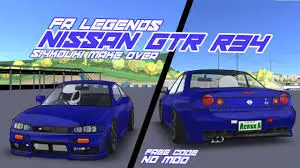
Nissan Skyline GT-R R33 FR Legends Mod 0.3.6

Gunsai Full Map Mod 0.3.6 for FR Legends
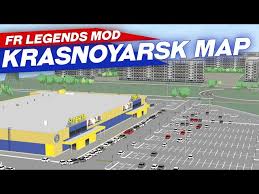
Krasnoyarsk City Map Mod 0.3.6 for FR Legends

Volvo Polestar 1 Mod 0.3.6 for FR Legends

Jakarta International E-Prix Circuit Map Mod 0.3.6
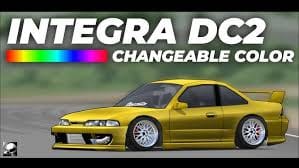
Honda Integra DC2 Mod 0.3.6 for FR Legends

19+ Wheels Mod 0.3.6 for FR Legends

Minoo Touge Map Mod 0.3.6 for FR Legends

Mitsubishi 3000GT Mod 0.3.6 for FR Legends
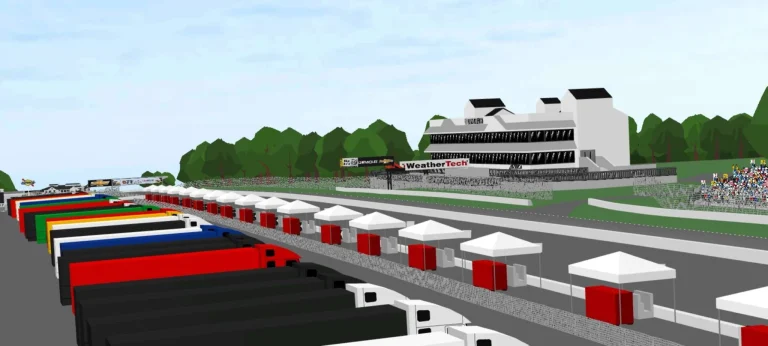
Road America Map Mod 0.3.6 for FR Legends
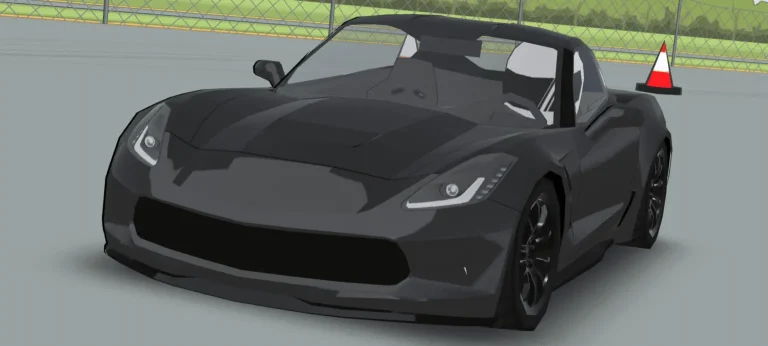
Chevrolet Corvette C7 Mod 0.3.6 for FR Legends
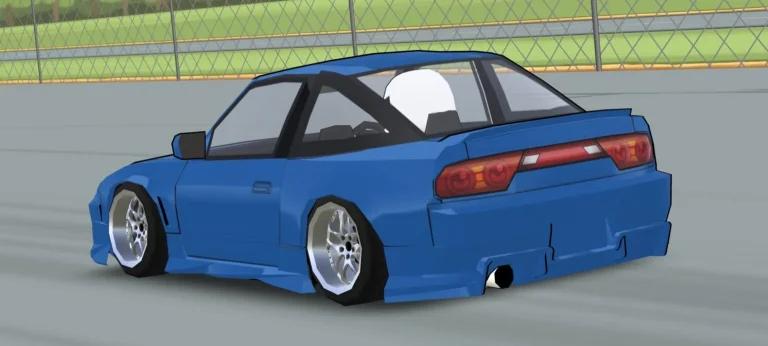
180SX Uras Bodykit Mod 0.3.6 for FR Legends
Mizukoshi Touge Map Mod 0.3.6 for Fr Legends
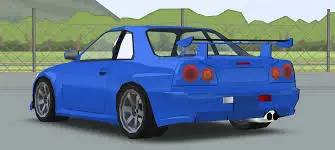
Nissan Skyline GT-R R34 Mod 0.3.6 Fr Legends
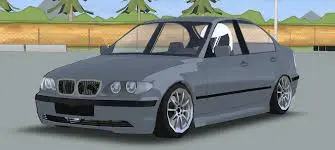
BMW E46 330i Mod 0.3.6 in Fr Legends
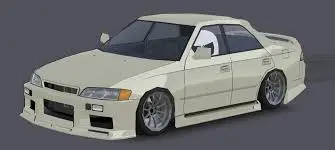
Toyota JZX90 Mod 0.3.6 Fr Legends
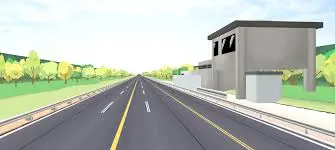
Yatabe Proving Grounds Map Mod 0.3.6 Fr Legends
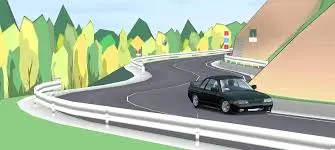
Oi Wharf Map Mod 0.3.6 in FR Legends
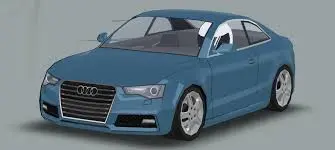
Audi A5 8T3 Mod 0.3.6 in FR Legends

Hakone Turnpike TA Map Mod 0.3.6 for Fr Legends
Features of FRLMODS:
Unlimited Customization:
FR Legends mods allow players to modify their cars, change skins, and even design unique tracks to reflect their style. With endless options for customization, players can create an exceptional experience that makes their game their own. This feature lets you stand out on the tracks with a customized vehicle suited to your preferences.
New Cars and Tracks:
FR Legends Mods provide access to exclusive cars and tracks unavailable in the base game. These additions keep the game exciting, as players can try out new vehicles with different performance stats and race on fresh, challenging tracks. It also opens up a broader range of gameplay options and exploration for long-term fun.
Enhanced graphics
Some FRLmods come with enhanced graphics, improving the overall visual experience in FR Legends. These upgrades make the game feel more immersive, with better textures, lighting, and even smoother animations. Players who enjoy high-quality visuals will find these graphic mods especially appealing, enhancing the game’s aesthetic appeal.
Advanced Features:
Certain mods unlock advanced features such as improved car handling, nitrous boosts, or even more in-depth tuning options. These mods enhance the technical aspects of gameplay, offering a more dynamic and responsive racing experience. Players looking to fine-tune their cars for better performance will love these added functionalities.
Online Competitive Edge:
Mods can give players an advantage in online play by allowing them to tweak their vehicles for optimal performance. Whether it’s better handling, increased speed, or special features like nitrous boosts, these enhancements can improve competitiveness in online races. With mods, players can gain a significant edge over opponents, boosting their chances of winning.
How to Download FRLMODS (Fr Legends Mods):
To download your FR Legends mods, visit FRLMODS and click on the desired mod. This will guide you to the download page where you can get started. Whether you’re looking for new cars, tracks, or a complete customization overhaul, downloading mods is just a click away. If you want to download the FR Legends Mod Apk, then click on it to go.
How We Can Make These FR Legends Mods (FRLMODS):
Creating mods for FR Legends involves working with game files to change or add new features. You can build custom cars, skins, and tracks by understanding the game’s structure and using tools like 3D modeling software. You can even tweak physics settings to alter gameplay dynamics with some coding knowledge. The possibilities are endless, allowing players to craft a personalized drifting experience. You can also check the Modpacks for FR Legends.
Conclusion:
FR Legends mods are the perfect way to take your drifting experience to the next level. From customizing your car’s look to unlocking exclusive features, mods offer a new world of gameplay. If you’re looking for fresh content and a competitive edge, mods are the way to go. Ready to upgrade your game? Click the link to download the mod that suits your style and start drifting like a pro. Check out a similar racing game called Drive Ahead.